Here are the steps to configure GCM notifications for Android
Registering with Google Cloud Messaging
- Goto Google APIs Console pageand create a new project. (If you haven’t created already otherwise it will take you to dashboard)
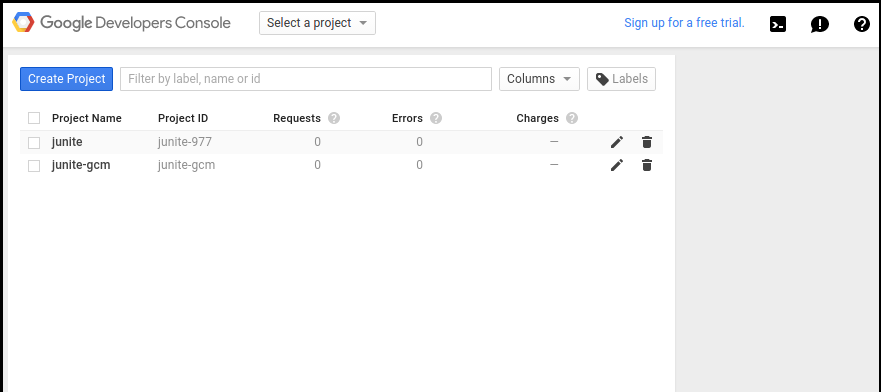
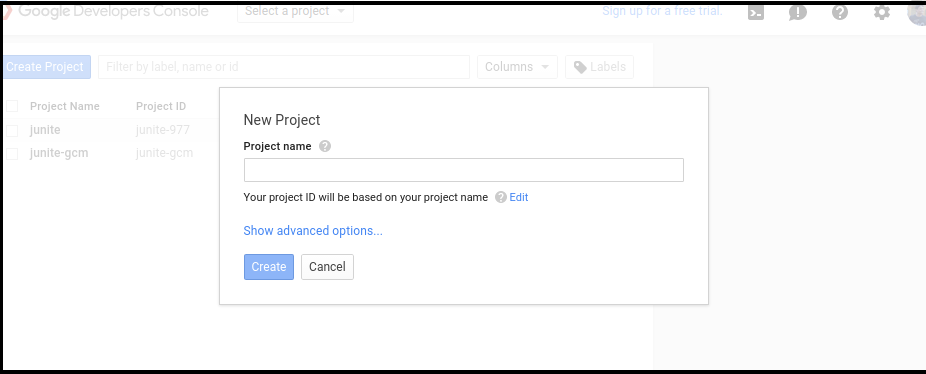
- Create Project
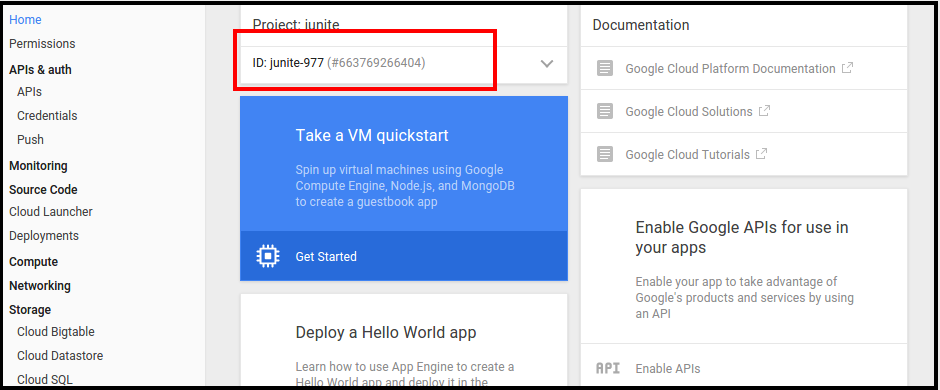
- After creating project you can see the project number. Note down the project id which will be used as SENDER ID in android project
- After that click on services of the left panel and turn on Google Cloud Messaging for Android.
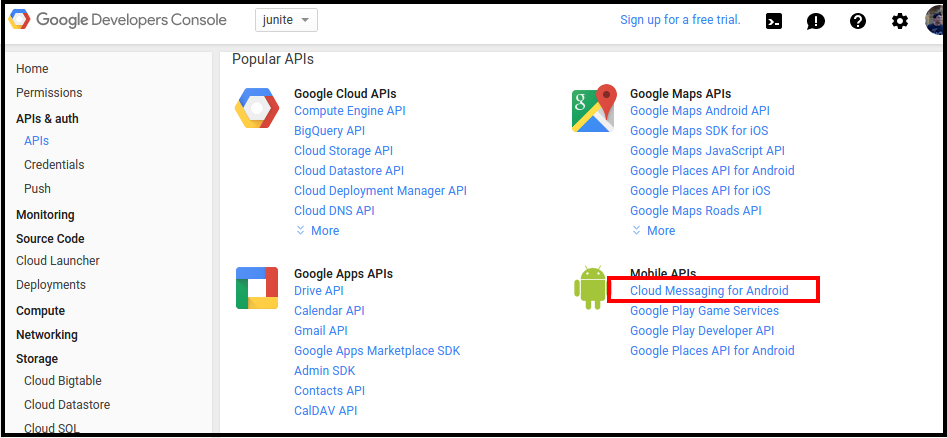
- Once you have done, Click on API access and note down the API key. This API key will be used when sending request to GCM server.
-
Create new server Key
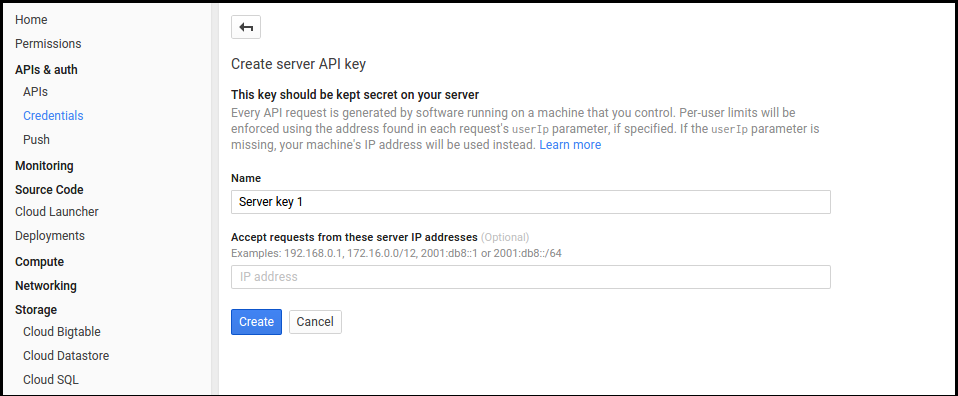
Note: Once your GCM key is vreated, you'll have to share it with us through a private support ticket. We will incorporate it in your custom build after that.